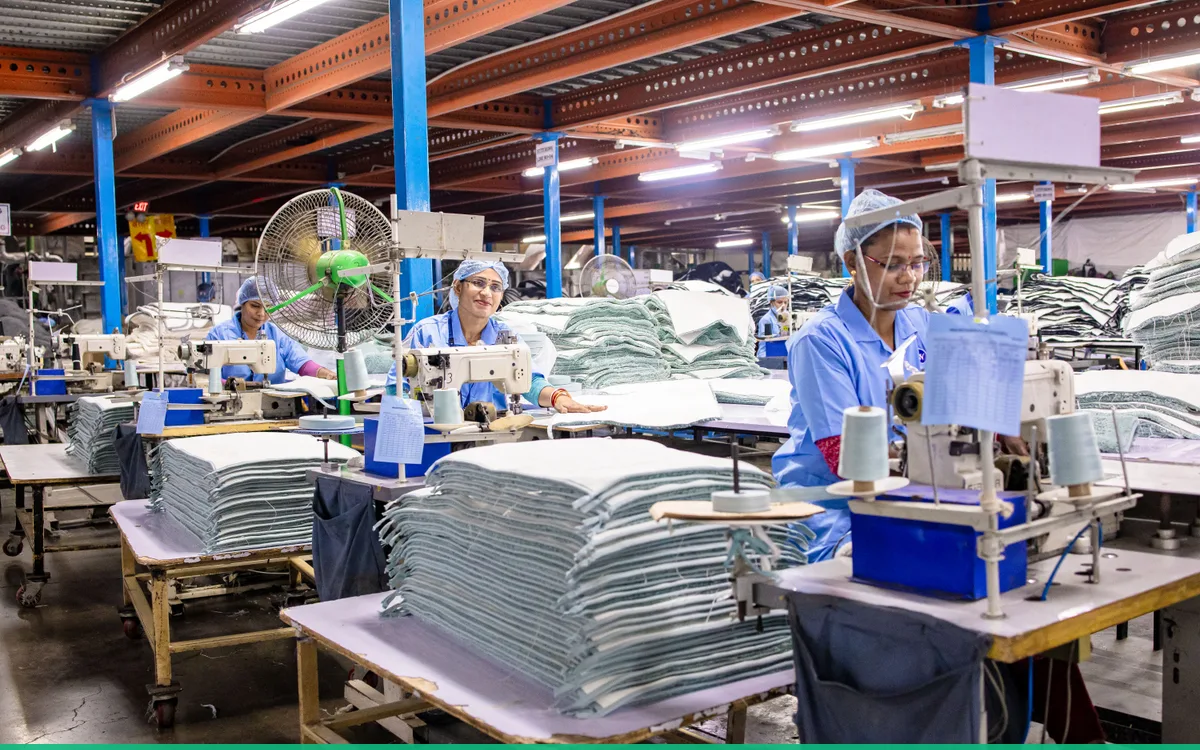
Not every team works in an office, in front of a computer. In production, in retail, in warehouses or on construction sites, employees may not have a company phone, and clocking in “from the app” is not always suitable. For these situations there is clocking in at a physical station — a kiosk — with a QR code and an NFC card.
This article explains, simply, how it works and why it is useful.
What a time-tracking kiosk is
A kiosk is a fixed clock-in point, usually a tablet mounted at the entrance or in a common area. The employee comes to the station and clocks in or out, without depending on their own phone. It is the digital equivalent of the old time clock, but far more flexible and without paper cards.
The main advantage is that it gives a whole team a shared clock-in point that is accurate and fast.
How the rotating QR code works
A natural question is this: if a QR code appears on the screen, what stops someone photographing it and clocking in from home?
The answer is that the QR code is rotating — it changes periodically. A code captured earlier becomes invalid after a short time, so it cannot be reused later from somewhere else. That way, the clock-in stays tied to actually being at the station, at that moment.
In practice, the employee opens the companion app on their phone, scans the code shown on the kiosk and clocks in. Having to be there, at the station, within the window in which the code is valid is exactly the mechanism that keeps the record honest.
How the NFC card works
Not everyone wants to, or can, use a phone at work. For those cases there is the NFC card option: the employee holds a card up to the station and clocks in with a simple tap, without a phone.
It is fast, intuitive and familiar to anyone who has used an access card. For large teams, at the start and the end of a shift, that simplicity matters: the queue at the clock-in point moves quickly, and people do not have to learn a complicated process.
Why it matters for the company
Accurate clocking in at a station brings a few practical benefits:
- Real attendance data, not estimates or entries filled in later on paper.
- A fair process, the same for everyone, whatever their role.
- Less administrative work, because the hours go straight into the system, not into a manually completed spreadsheet.
- Flexibility: some clock in with a phone, others with a card, depending on what suits them.
Time tracking is no longer a piece of paper at the gate, but a clean source of data for leave, overtime and, ultimately, payroll.
Where the kiosk fits in the wider picture
In Workly, the kiosk is one of several clock-in modes, chosen according to the type of company. Besides the physical station with a rotating QR code and NFC, clocking in can also be done through a manual grid, through punch in/out, or through a designated operator who records the whole team collectively. The idea is that each company chooses the mode that fits it, rather than adapting to a single rigid pattern.
The takeaway
The kiosk with a rotating QR code and an NFC card brings physical time tracking into the digital age: fast for the employee, accurate for the company, and without the paper cards of the past. A code that changes periodically keeps the clock-in tied to real presence, and the card option also covers the situations where a phone is not an option. For teams that are not office-based, it is often the most practical solution.